Bring safe AI to every classroom.
It runs in the browser on the laptops you already have. Students build gadgets, games and websites they can show — and the AI will not do their homework.
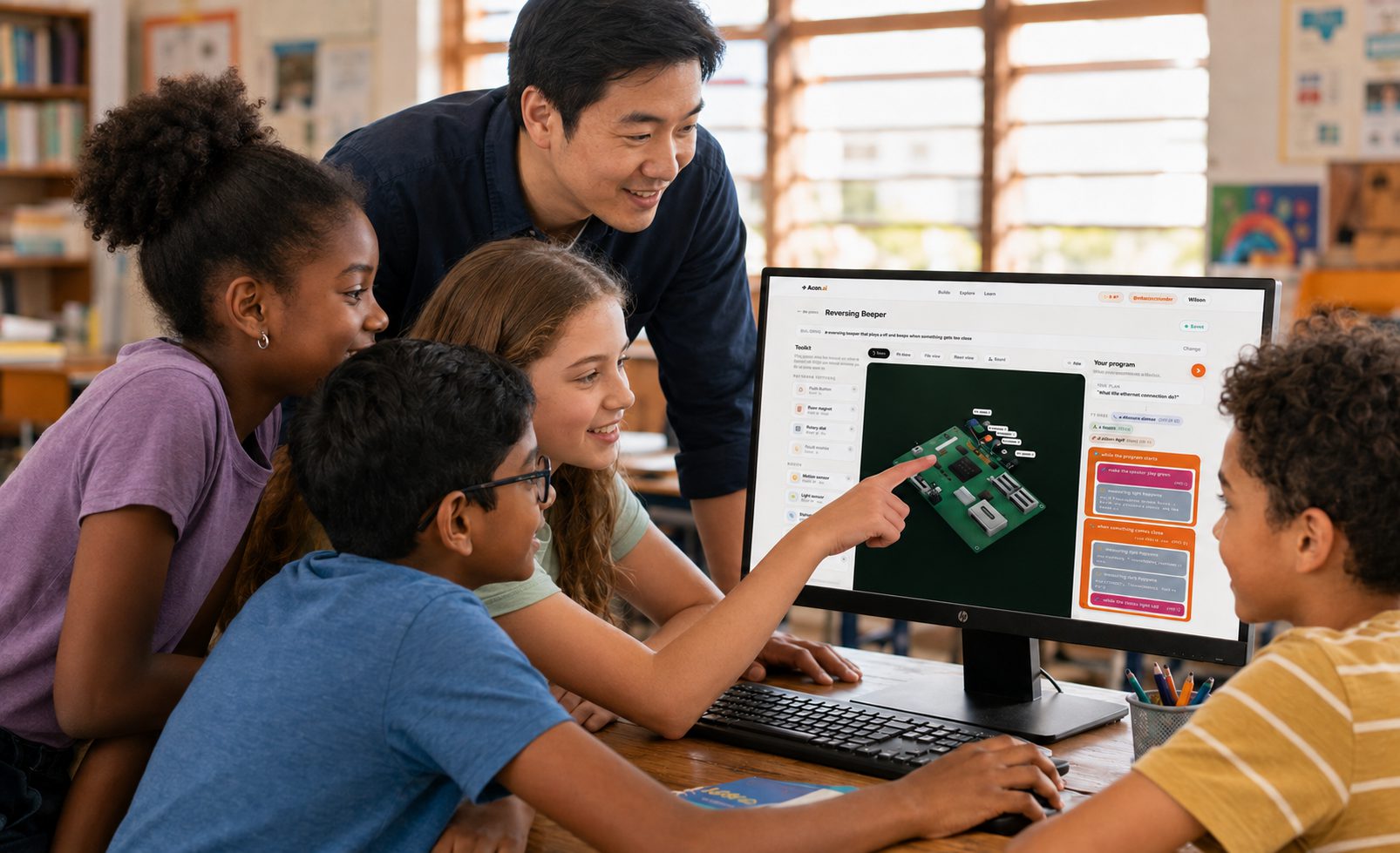
What a class opens on day one.
There is no blank screen and no setup lesson. Every student picks something that already runs, breaks it, and changes it until it is theirs — which is how you get past the first fifteen minutes of a coding lesson.
Why schools choose Piplab
It only helps build. Essays, homework answers and who won the match all come back as an offer to make something instead. There is no feed, no messaging between students, and the sandbox has its network functions deleted rather than switched off. None of that is a setting anybody has to remember to tick.
A question becomes a plan, the plan becomes blocks, and the blocks become the Python or JavaScript underneath them. Blocks stay available the whole way, and nobody is moved on before they ask to be.
Challenges are graded criterion by criterion against the files the student actually wrote, and every tick has to quote their own code back. Then two questions about the decisions they made — which is the part somebody who had the AI write it cannot answer.
Simone’s flag pole at the top of the beach. Marva counting twenty-five people into the community pool. Reef Heat Watch, Cistern Watch, the electricity meter. Written about places a student recognises rather than a textbook.
What a pilot class does not have to do.
The school tools, and why they are not on this page.
These are a design under review, not software anybody can log into yet — so we are not selling them and we are not going to describe them as though you could buy them. Pilot schools get them first and help shape them, which is most of the reason the pilot exists.
Let’s put it in front of your teachers.
We set the pilot class up with you and sit in on the first session — the kits, the challenges, and exactly what the AI refuses to do when a student tries it on. Tell us how many students you have and what you already teach.