
Most children will grow up using AI.
Some will grow up directing it.
The difference is whether someone taught them how it works. That is much easier to learn at eleven than at twenty-five.

Train your child for the future.
Nothing to install and nothing to buy. Whatever they ask for opens in the browser already working — then they take it apart and change it, which is where the learning actually happens.
They say what they want, in their own words.
No menu of pre-approved projects. Pip asks about the idea, then the design, and gives them one open box to add whatever twist they were really after.
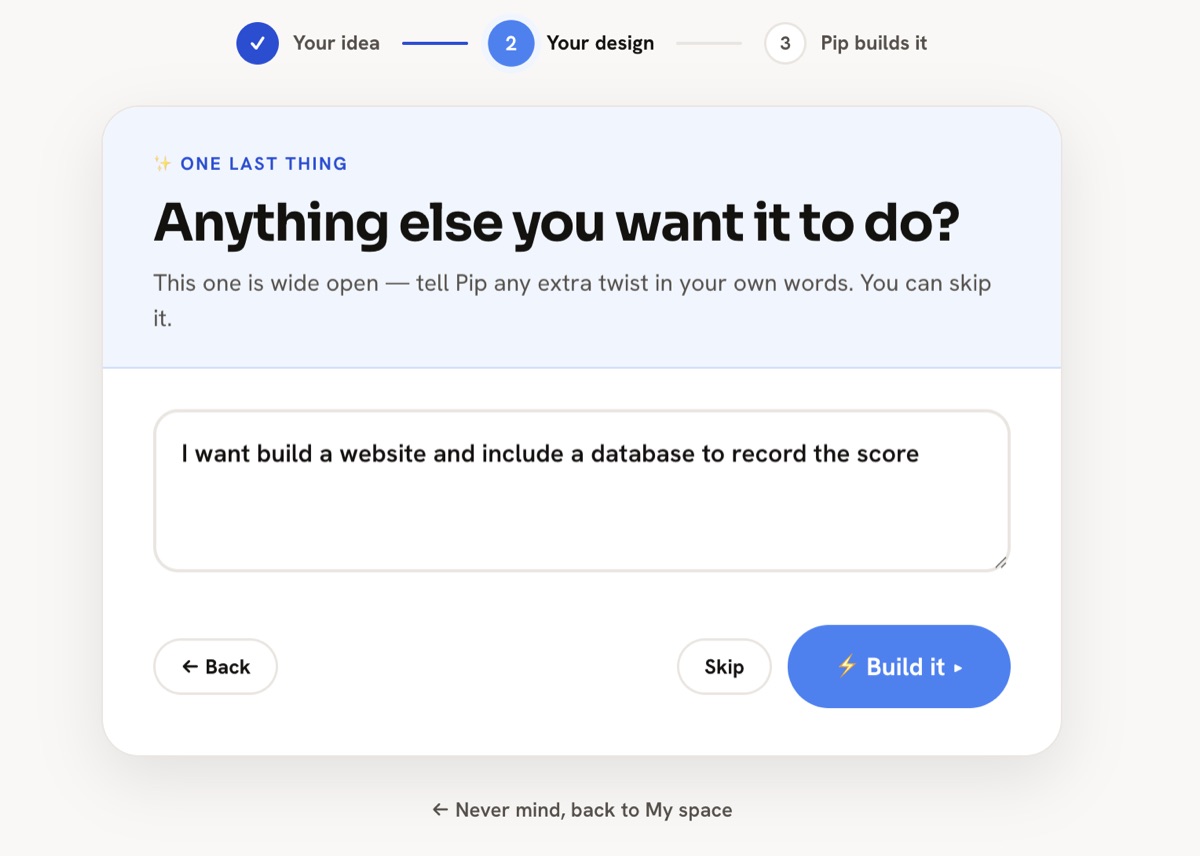
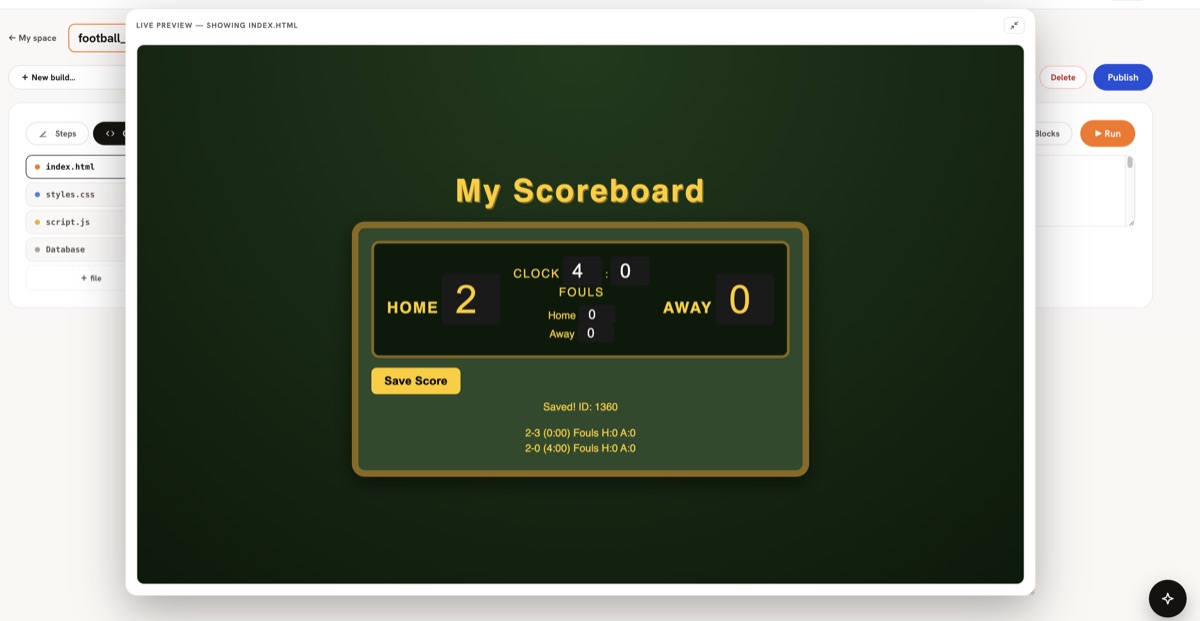
Pip builds it. Then they take it apart.
A working football scoreboard, saving every result to its own database — because that is what this child asked for. The files are all there to open, change and run again, and every save keeps the version before it.
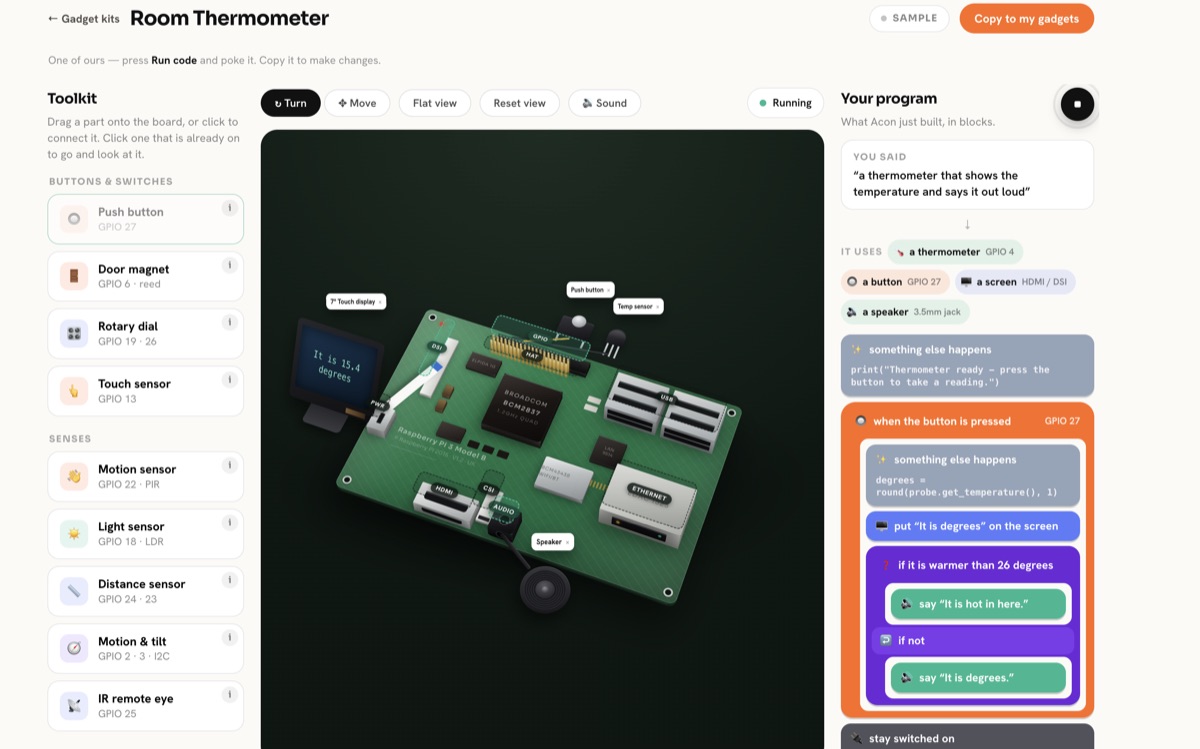
They can build gadgets too, without buying any.
The parts are on screen, so nothing gets ordered, wired up or broken. They drag on a thermometer and work out how it should decide what to say — the same thinking a real one needs.
They get the brief. Not the answer.
A challenge arrives the way a real job does — press the button, it chimes twice, then it says someone is at the door — and your child has to make that happen themselves. No starter code, and the brief never says how.
When they think it is done, Pip marks it against the files they actually wrote. Every tick has to quote a line of their own code back; anything it cannot point at is marked not yet, not marked kindly. Then two questions about the decisions they made — the part a child who had it written for them cannot answer.
Not a gold star for pressing play. A straight answer about whether the thing does what it was meant to.
range(1) runs the body a single time. What would range(2) do?Or they bring their own.
The best projects start with something a child actually noticed. Pip's first job is to ask enough questions to turn that into something buildable — which is a skill worth more than any of the code.
A paddle-and-ball game, a quiz about sharks, a platformer that gets harder. It ends up at a web address they can send round.
Turn a printed bus timetable into a thing that says when the next one is. Work out what the fan actually costs to run all night.
A page about their team, their dog, their favourite game — with a real address, not a file on a laptop.
A feed calculator for the goats. A tracker for how much water everybody drank. A poster maker for a lost cat.
The limits are in the build, not in a settings page.
Essay questions, worksheet answers and "what won the match" all come back the same way — as an offer to build something instead. It is not a filter that can be talked round; it is the only thing the assistant knows how to say yes to.
Before a line a child wrote is allowed to run, the sandbox deletes the functions that reach the internet — fetch, XMLHttpRequest, WebSocket and the rest. Not switched off. Removed, so there is nothing left to switch back on.
No feed, no comments, no messaging between accounts, no way for a stranger to arrive. The only person your child talks to in Piplab is Pip, and Pip only talks about what they are building.
You can create your child's account from yours with a first name, a username and a password. No email address is asked for and none is stored — so there is no inbox of theirs for anything to arrive in.
What you can see and do this evening.
Free for up to three children, the whole thing.
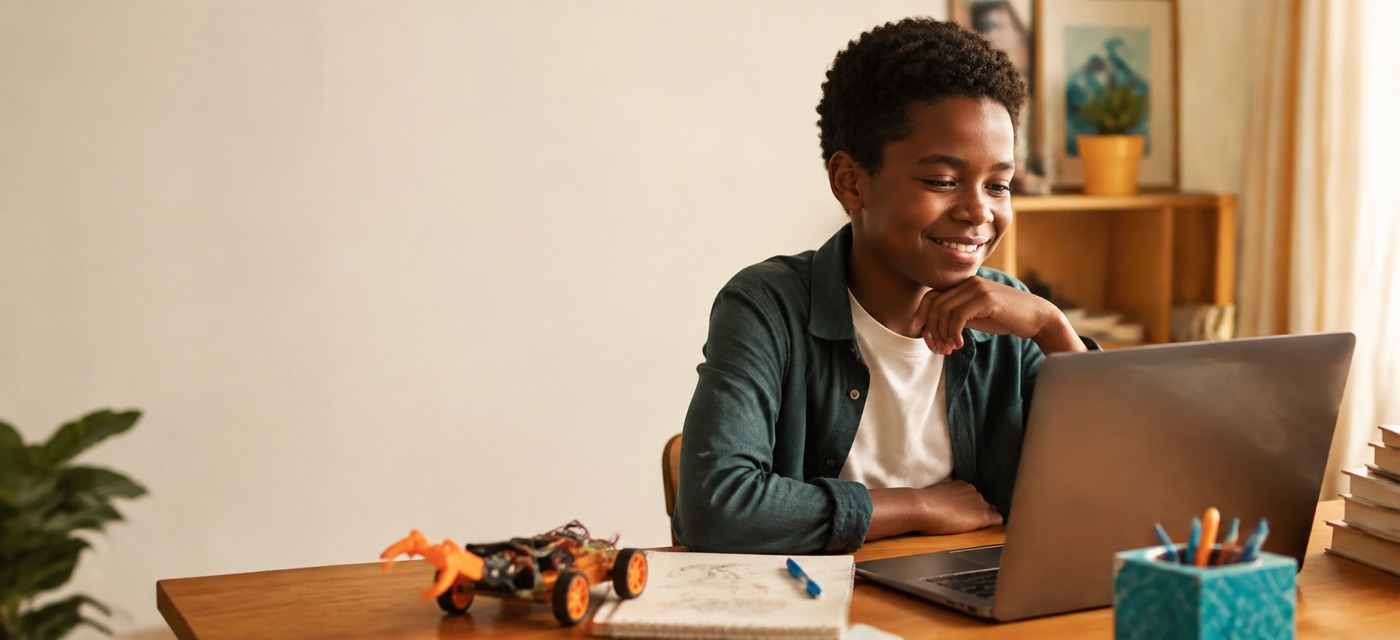
Free for up to three children. See what they make.
No card, no lock-in, nothing to install or buy. Open a browser together this evening and they can have something running in ten minutes.